How to Redeem Cars Overboard Codes
Shop box steps, exact typing rules, and fixes when a code will not accept.
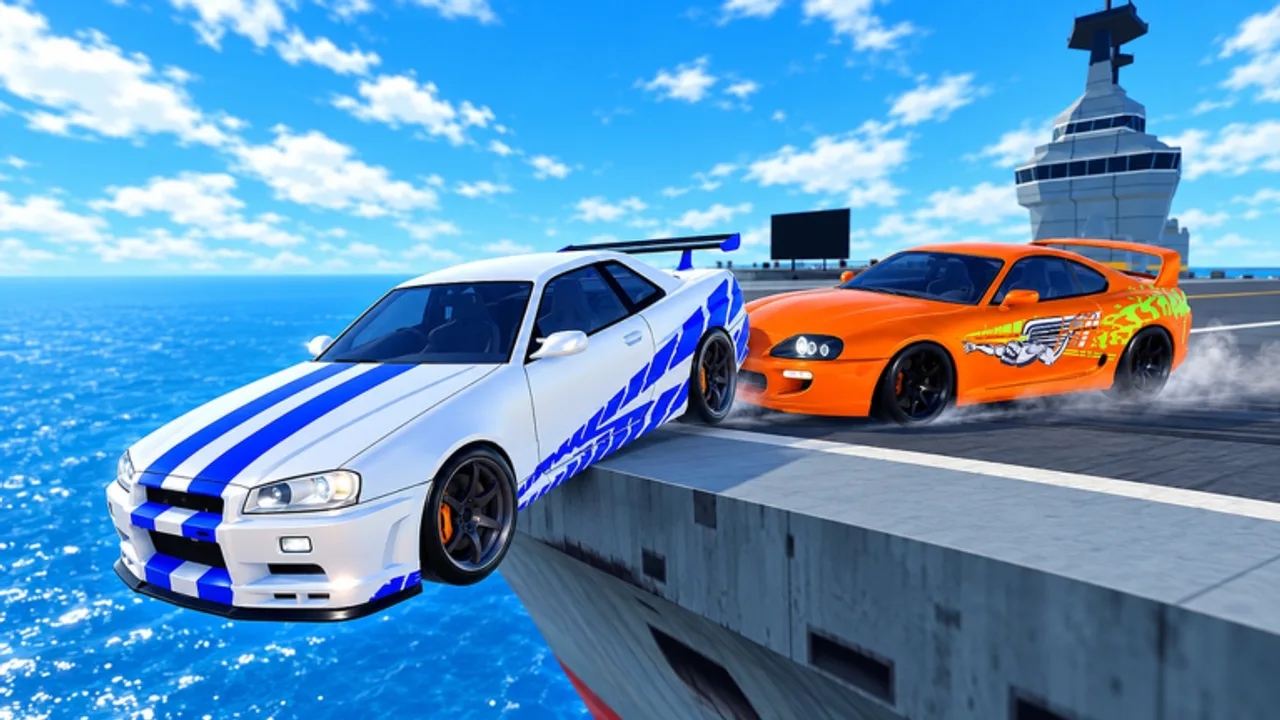
Redeeming codes in Cars Overboard takes less than a minute once you know where the Shop hides the code box. This walkthrough covers the exact flow, the active November 2026 strings, and the troubleshooting steps that fix almost every —t does not work” report. Pair it with the reward table on the Codes Hub so you know what Coins, Revives, Wheel Spins, and Crates are worth before you spend them.
Cars Overboard is a Roblox last-car-standing PvP game: up to ten cars shove each other off aircraft carriers and cargo ships. Free Revives and Coins from codes shorten the climb—especially if you are still learning edges on Maps or practicing peels in How to Win.
Before you start
- Launch Roblox and open the live experience: Cars Overboard.
- Wait until the world and HUD finish loading. On mobile, give menus an extra second after spawn.
- Have the code ready to paste or type. Active tracked codes:
- 2000LIKES ”2,000 Coins, 5 Revives, 5 Wheel Spins, 5 Crates
- 100LIKES ”1,000 Coins, 3 Revives, 1 Wheel Spin
- Optionally Like & Favorite the game page first—milestone codes are tied to community Likes, and favoriting helps you see future drops listed on the Updates Hub.
Step-by-step redeem
Step 1 ” Open the Shop
From the in-game UI, open Shop. The Shop is the same hub that surfaces purchases and progression goodies; the code entry lives here rather than in a separate obscure menu. If you cannot find Shop yet, re-read the UI overview in Controls and confirm you are not stuck on a loading overlay.
Step 2 ” Find the code box
Inside Shop, locate the code text field. It may sit near other reward or gift UI. Look for a short input meant for typed strings—not the search box for cars if one exists in Garage.
Step 3 ” Type the code exactly
Enter 2000LIKES or 100LIKES with no spaces before or after. Do not add hyphens. Match capitalization as published on the Codes Hub. Many Roblox experiences treat codes as exact strings; —almost right” still fails.
Step 4 ” Confirm redeem
Submit using the on-screen redeem/confirm control. Wait for a success toast or inventory update. Do not mash the button five times—duplicate submits can confuse you into thinking it failed when it already worked.
Step 5 ” Verify rewards
Check that Coins increased, Revives are available for later rounds, and Wheel Spins / Crates are ready when you choose to open them. Then hop to the Garage to plan unlocks—Getting Started](/guides/getting-started/) explains the early progression loop, and Best Cars helps you spend Coins with intent.
Recommended redeem order
If both codes still work, redeem 2000LIKES first for the larger pack, then 100LIKES. Bank at least one Revive before your next serious lobby. Spins and Crates can wait until you are not mid-match.
Troubleshooting
“invalid code”/ fails silently
- Recheck spelling:
2000LIKESand100LIKESexactly. - Remove accidental spaces when pasting from chat.
- Confirm the code is still listed as active on the Codes Hub. Milestone codes expire or rotate.
- Rejoin the place (placeId 110920665538163) and try once more after a full reload.
*“already redeemed”
- That account already claimed it. Codes are typically once per account. Switch accounts only if you intentionally maintain alts; do not share passwords.
Cannot find Shop or code box
- Wait for HUD load on slow connections.
- Toggle UI if you remapped or hid elements; see Controls.
- Make sure you joined the real Cars Overboard experience, not a copycat place with a similar thumbnail.
Rewards missing after success message
- Soft rejoin.
- Check Garage and inventory widgets again.
- If Wheel Spins/Crates are consumables opened elsewhere in UI, look for a spin/crate interaction rather than expecting cars to appear automatically.
Mobile keyboard issues
- Paste from clipboard when possible.
- Switch to a landscape layout if the Shop panel covers the input.
- Avoid autocorrect inserting spaces into the code.
Safety rules while redeeming
- Never type your password into a third-party code redeem” website.
- Never pay a stranger for “mrivate codes.—n- Ignore Discord DMs that demand friend requests before —releasing” a code file.
- Scripts that claim infinite code redeem are scam bait—read Scripts Hub before you install anything.
Official announcements about new strings usually surface on the Roblox page and the Cars Overboard group. This wiki mirrors them on Codes and Updates.
What to do with rewards immediately
Coins: Unlock a stronger shove body if you are still on a weak starter. Methodology lives on the Tier List Hub; named picks on Best Cars.
Revives: Keep them for late-lobby saves. Panic-reviving into the same bad edge is how free rewards evaporate—discipline tips are in How to Win and role advice on Players.
Wheel Spins & Crates: Open when you can focus on what you received. New cosmetics do not change tiers by themselves; new bodies might.
After redeem ” short session plan
- Claim both working codes.
- Unlock or paint one car.
- Play three rounds focusing only on not over-committing near edges.
- If a weekend event is live, skim Admin Abuse before diving into chaos.
- Return to Codes Hub whenever Likes milestones are announced.
Related pages
- Codes Hub ” full rewards table
- Getting Started ” day-one context
- Updates Hub ” why new codes appear
- Wiki Links ” official play and group URLs
Redeem carefully once, verify the inventory bump, then get back on deck. The ocean does not wait while you argue with a typo in the Shop box.
Frequently Asked Questions
Quick answers about codes, cars, and ship PvP.
Where is the code box in Cars Overboard?
Open the in-game Shop and look for the dedicated code text field. Enter the code exactly, then confirm redeem and verify rewards in your inventory UI.
Why does my Cars Overboard code say invalid?
Usually a typo, extra space, expired milestone code, or wrong experience. Recheck spelling against the Codes Hub, rejoin the official place, and try again.
Can I redeem the same code twice?
No. Codes are typically one redeem per account. An “already redeemed” message means that account already received the rewards.
Should I redeem 2000LIKES or 100LIKES first?
Redeem 2000LIKES first for the larger pack, then 100LIKES if it is still active. Keep at least one Revive for a serious late-round save.
Are third-party code redeem websites safe?
No. Only redeem inside the Roblox game Shop. External sites that ask for your password are scams.